Windows安装zsh终端

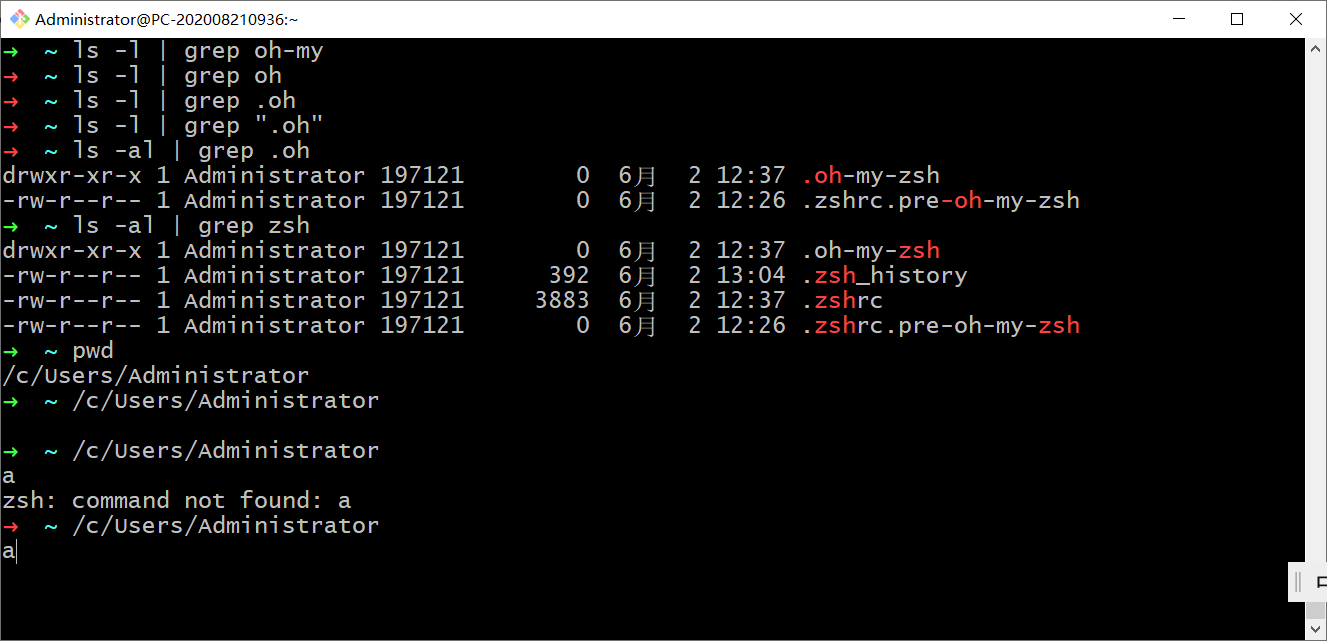
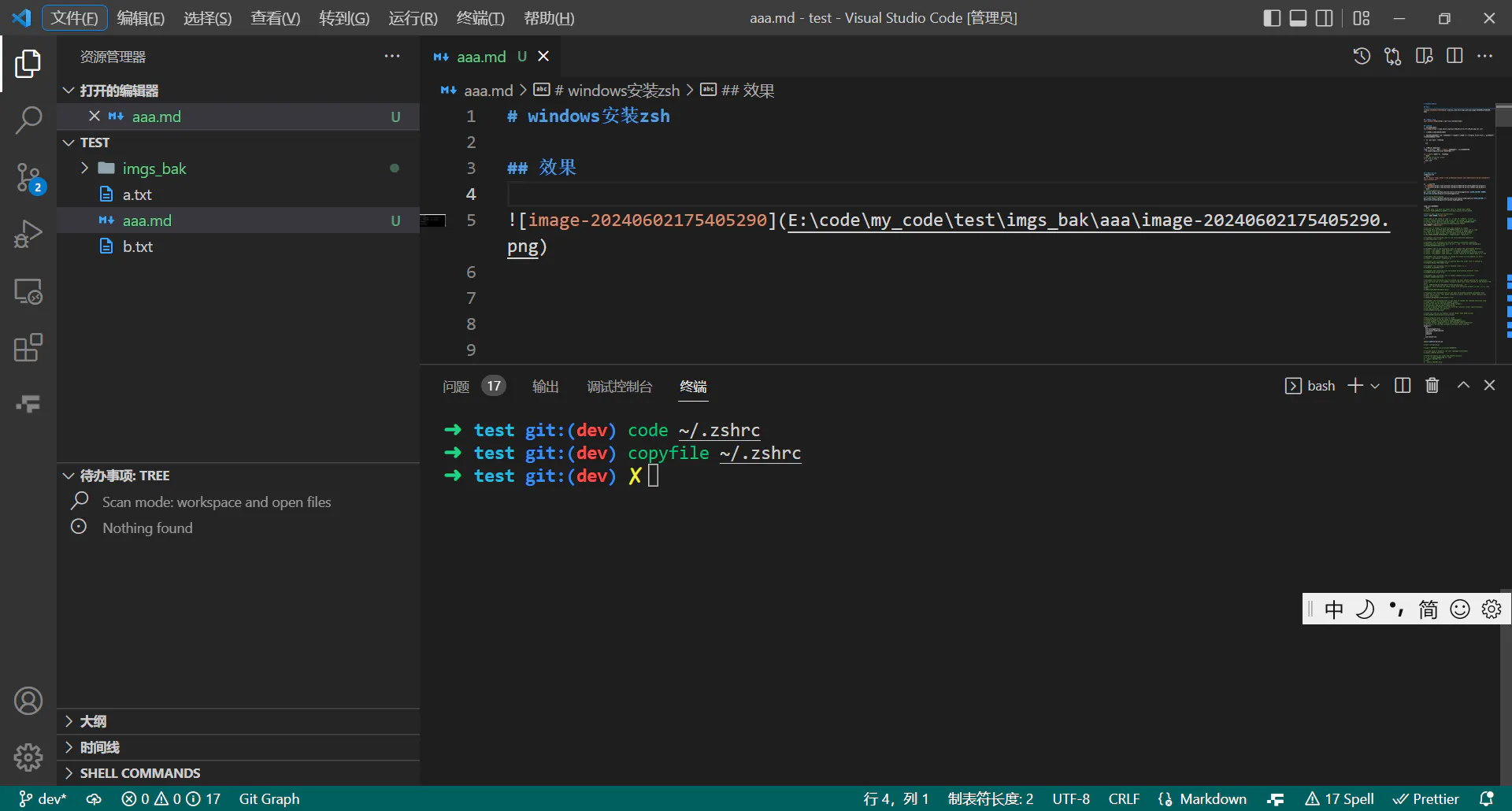
效果

安装git bash

git bash下载地址

安装ZSH

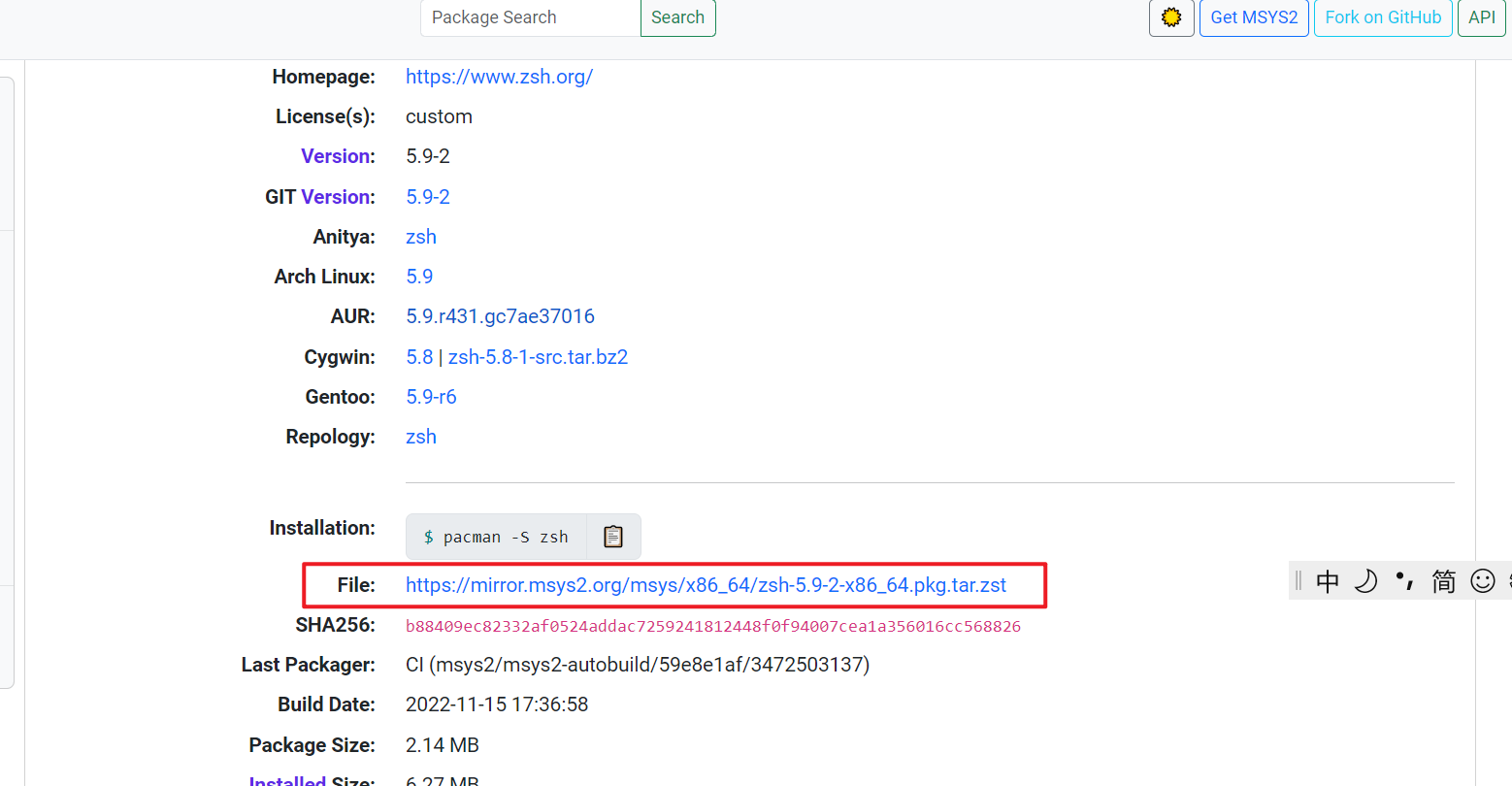
  1. 下载ZSH安装包.
    下载地址
    安装包明细地址
  2. 用解压缩软件(比如: 7zip)解压ZSH安装包
  3. 将解压后的文件夹中的所有文件全部复制到Git中(比如:”C:\Program Files\Git”), git文件夹中应该没有文件会被覆盖
  4. 打开git bash, 测试命令
    1
    zsh
  5. 设置zsh为默认shell
    找到~/.bashrc, 如果~/.bashrc文件不存在. 创建该文件即可.
    • “c:\Users\Administrator”文件夹就是”~”
    ~/.bashrc文件中添加以下代码
    1
    2
    3
    4
    # Add the following content
    if [ -t 1 ]; then
    exec zsh
    fi

设置oh-my-zsh

安装oh-my-zsh

1
sh -c "$(curl -fsSL https://raw.githubusercontent.com/robbyrussell/oh-my-zsh/master/tools/install.sh)"

添加第三方插件

sh-autosuggestions和zsh-syntax-highlighting是第三方插件, 需要单独安装.

运行以下命令安装即可

1
2
3
4
5
# zsh-autosuggestions
git clone https://github.com/zsh-users/zsh-autosuggestions ${ZSH_CUSTOM:-$HOME/.oh-my-zsh/custom}/plugins/zsh-autosuggestions

# zsh-syntax-highlighting
git clone https://github.com/zsh-users/zsh-syntax-highlighting ${ZSH_CUSTOM:-~/.oh-my-zsh/custom}/plugins/zsh-syntax-highlighting

我的插件

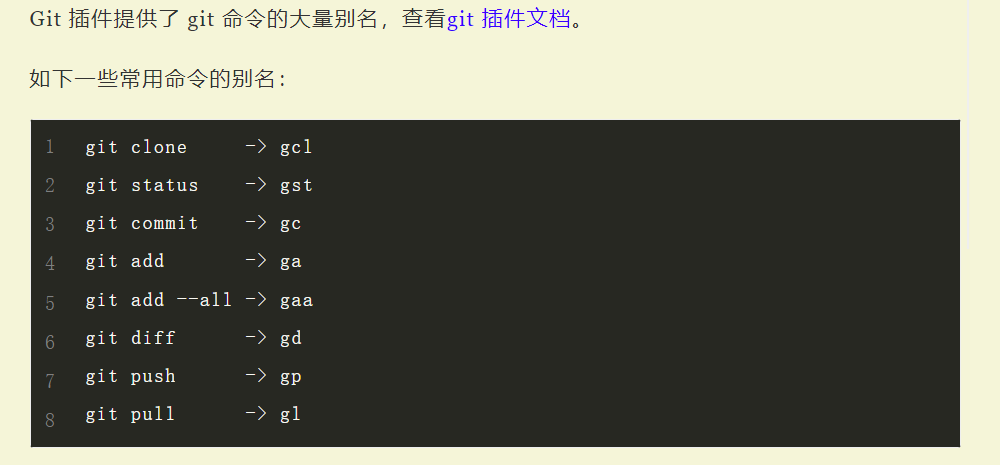
  1. git - 提供Git命令的自动补全和别名支持。
    图片3
  2. zsh-autosuggestions - 根据历史记录自动建议命令。
  3. zsh-syntax-highlighting - 实时高亮显示命令语法。
  4. copyfile - 复制文件内容到剪贴板。
  5. copypath - 复制文件目录路径到剪贴板。
  6. z - 根据使用频率快速跳转目录。
  7. you-should-use - 建议更佳的命令使用方法。

我的.zshrc文件如下:

1
2
3
4
5
6
7
8
9
10
11
12
13
14
15
16
17
18
19
20
21
22
23

# Path to your oh-my-zsh installation.
export ZSH="$HOME/.oh-my-zsh"

# 主题
ZSH_THEME="robbyrussell"

# 插件
plugins=(
git
zsh-autosuggestions
zsh-syntax-highlighting
copyfile
copypath
z
you-should-use
)

source $ZSH/oh-my-zsh.sh

# 我的设置
# 自动补全配置, 忽略zsh自带的补全"git check-"和"git cherry-"
zstyle ':completion::complete:git:*:*' ignored-patterns 'check*-*' 'cherry' 'cherry-pick'

参考


Windows安装zsh终端
https://blog.9001001.xyz/posts/189c35d9d027/
作者
夏日雪糕
发布于
2024年7月2日
许可协议